House · Condo · Lot
For anyone selling their own home. Put the sign in the front window or on the fence. Anyone who scans the QR code sees photos, price, size, the location on a map and your phone number. No agent needed for the sign, no account.
A sign for window or fence
Passers-by scan instead of knocking.
Up to 6 photos
Front, living room, kitchen, yard.
Free
No time limit, no subscription.
No account
Just your email to confirm, no password.
Works with AI assistants
ChatGPT or Claude fills in the fields, you check them. How it works.
Ready-made templates
You fill in the fields, the design is ready.
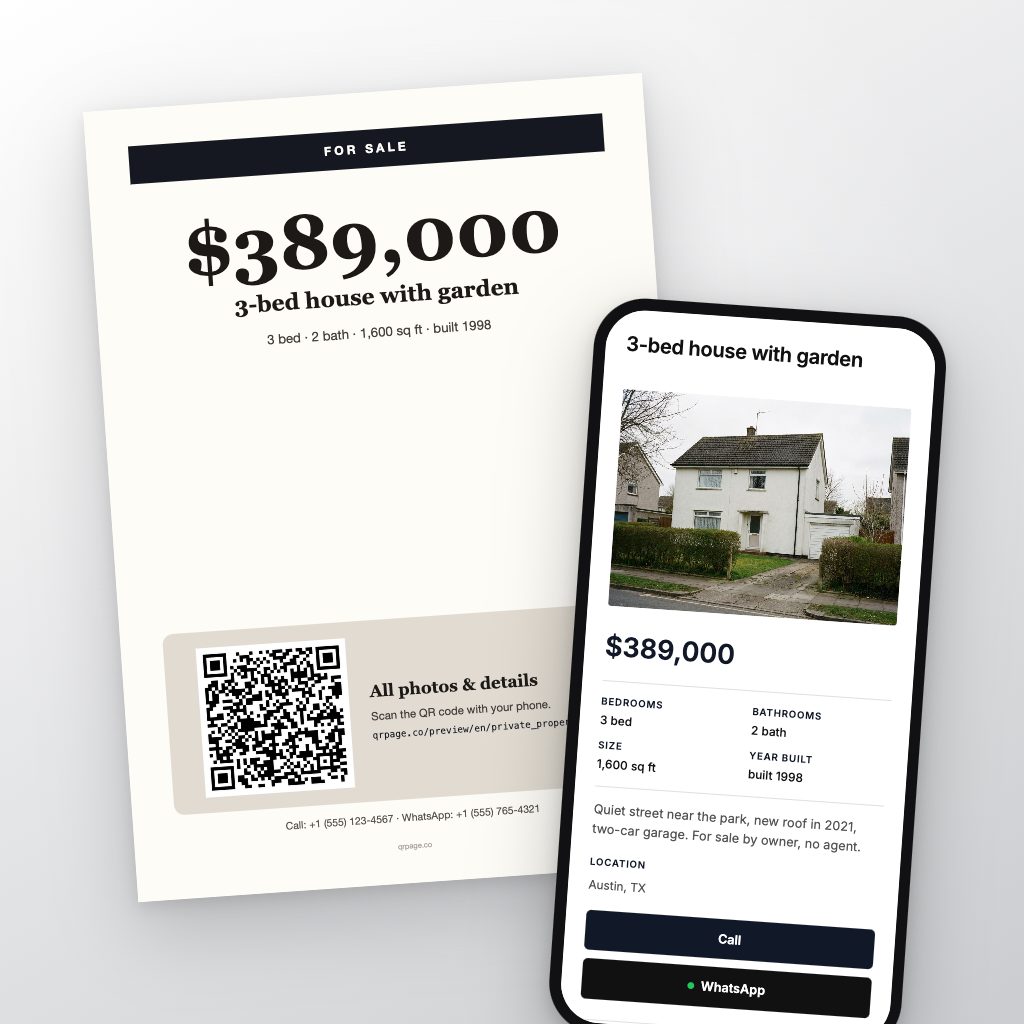
The sign holds the price. The QR code holds the house.
Up to six photos, bedrooms, bathrooms, size, year built and the description live on the mini website. Anyone who stops sees it all on their phone, without knocking on your door.
The location on a map.
The mini website shows where the home is on a map. Someone who drives past in the evening can look at it at home and then call you.
Works with or without a listing.
If you have a listing on Zillow or a floor plan online, add the links. If you don't, the mini website is the listing. Share the short link in a text or an email too.
Add an open house without reprinting.
New photos, an open-house date, a shorter description — you change the mini website, and the QR code stays the same. Only what is printed on the sign, like the price, needs a new printout.
Designs
Four designs for houses and condos — calm, classic or photo-led. You pick your colors in the next step, and you can change everything later.
At the top: FOR SALE. Under it, the price in large type, then the title, like “3-bed house with garden”. One line sums up the details: bedrooms, bathrooms, size, year built. Then the QR code and your phone number, so people can call without scanning.
Photos, the description and the location belong on the mini website, not on the sheet. That keeps the sign readable from the street.
Inside the front window facing the street, on the door, or on a post by the sidewalk. Outdoors, slide the sheet into a clear sleeve so rain doesn't smudge the QR code.
For a condo, put the sign in a street-facing window if you have one. If not, share the short link on the community board or in the neighborhood group.
Yes, it's free. After you click the confirmation link in the email, you download the sign as a PDF and print it yourself, on Letter or A4, as often as you like.
The mini website doesn't replace a disclosure packet or advice. It's the quick first page for everyone who walks or drives past.
There is a sign for that too: car for sale sign.
Fill in the fields
Title, price, photos, bedrooms, size, location, phone number.
The mini website builds itself
Live, as you type.
Confirm by email
One click on the confirmation link, and the mini website is live.
Print the sign
Free PDF in Letter or A4, with the QR code. In the window or on the fence.
Other templates
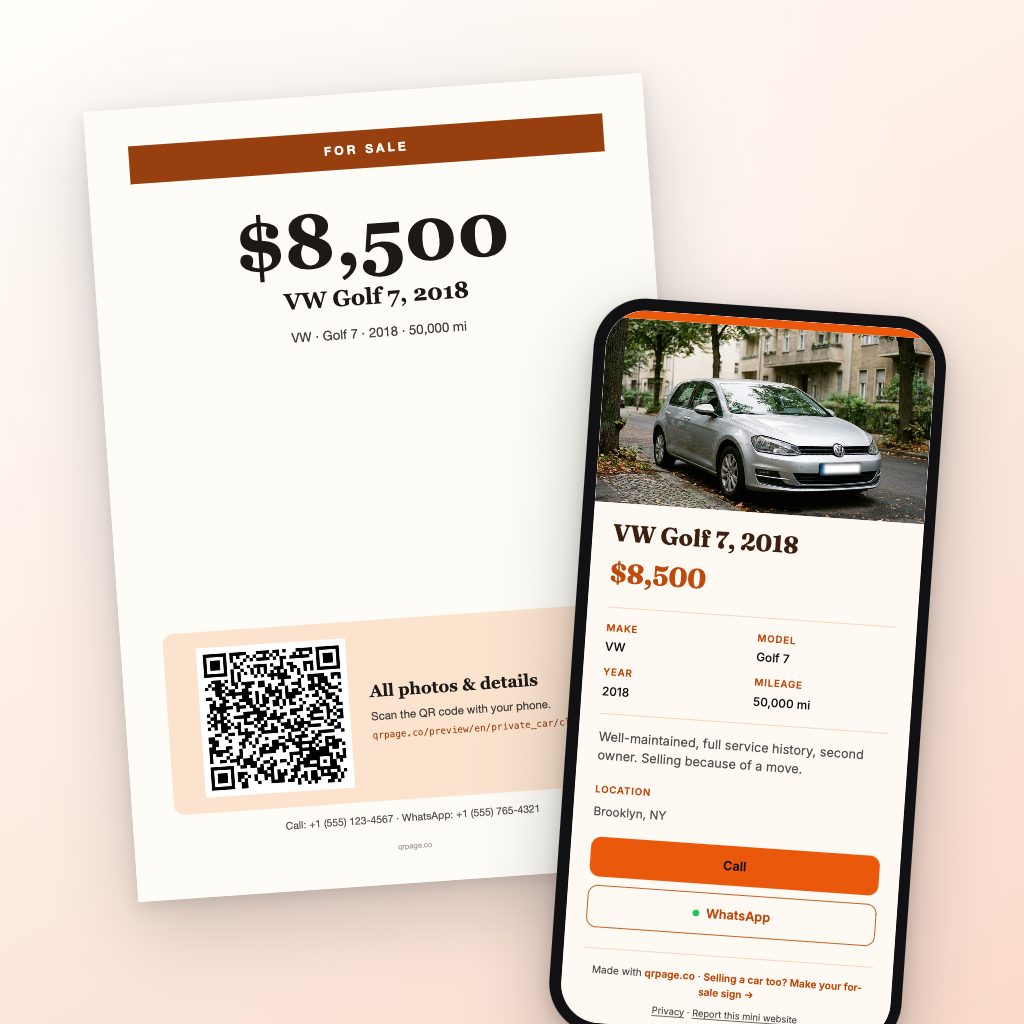
A printable sign for the car window — photos, details and contact behind the QR code.
Make a car for sale sign →
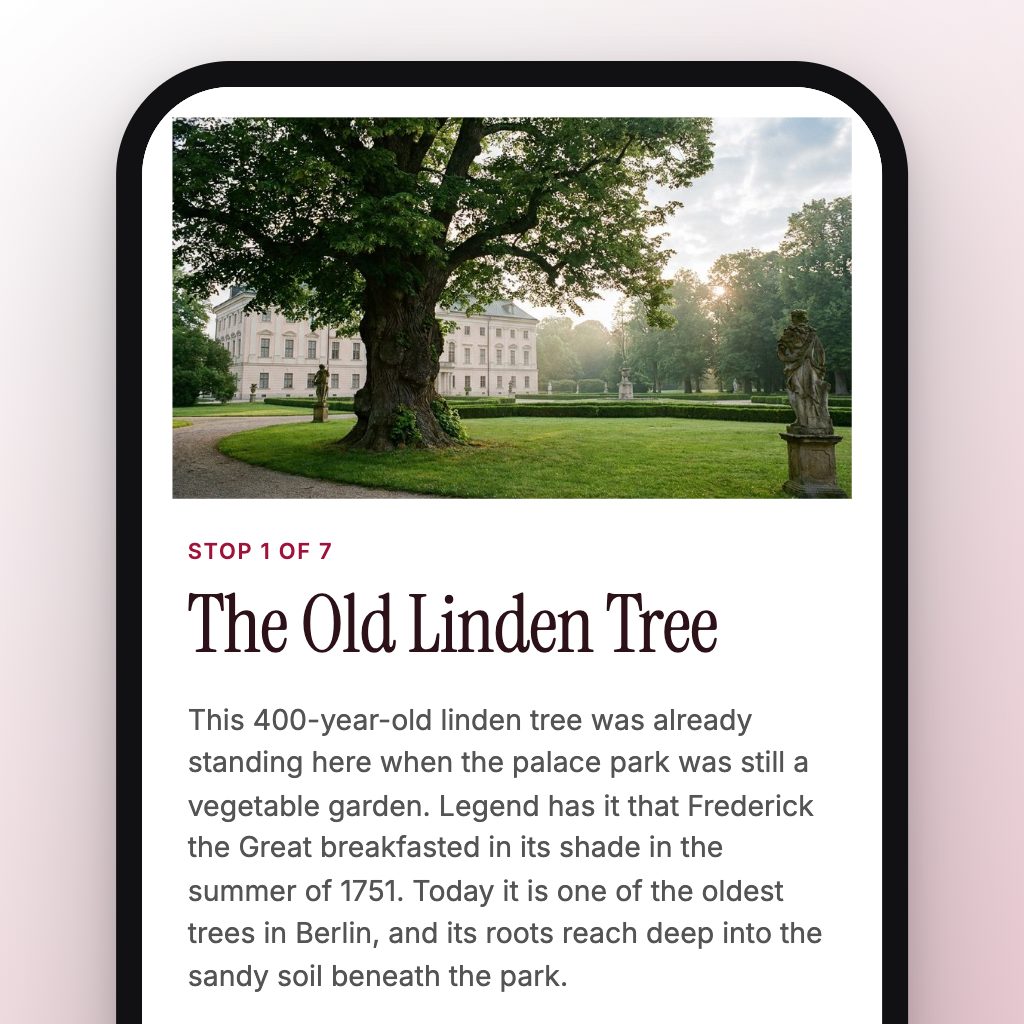
A plaque at a landmark — with history, photos, and a map behind it.
Make a QR plaque →
Need a QR code that shows more than a link? Build a mini website behind it.
See the templates →
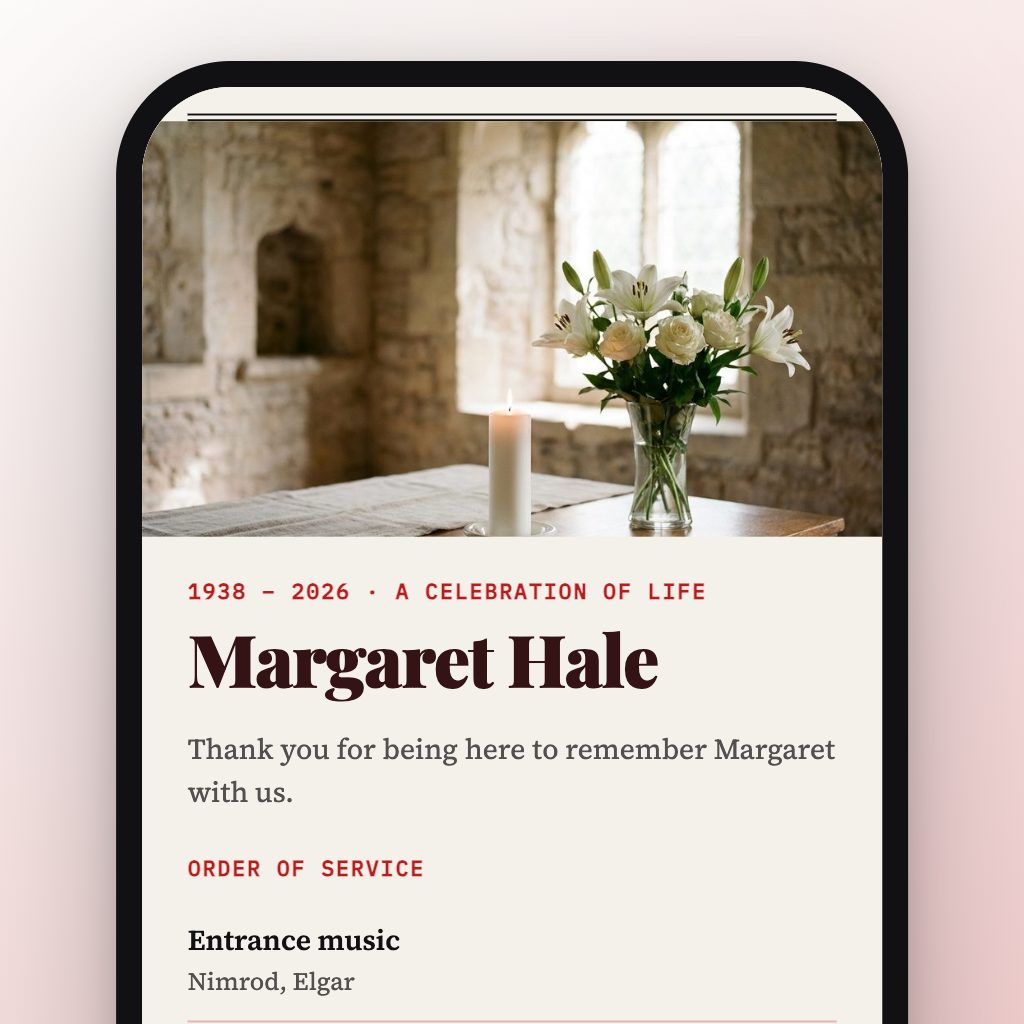
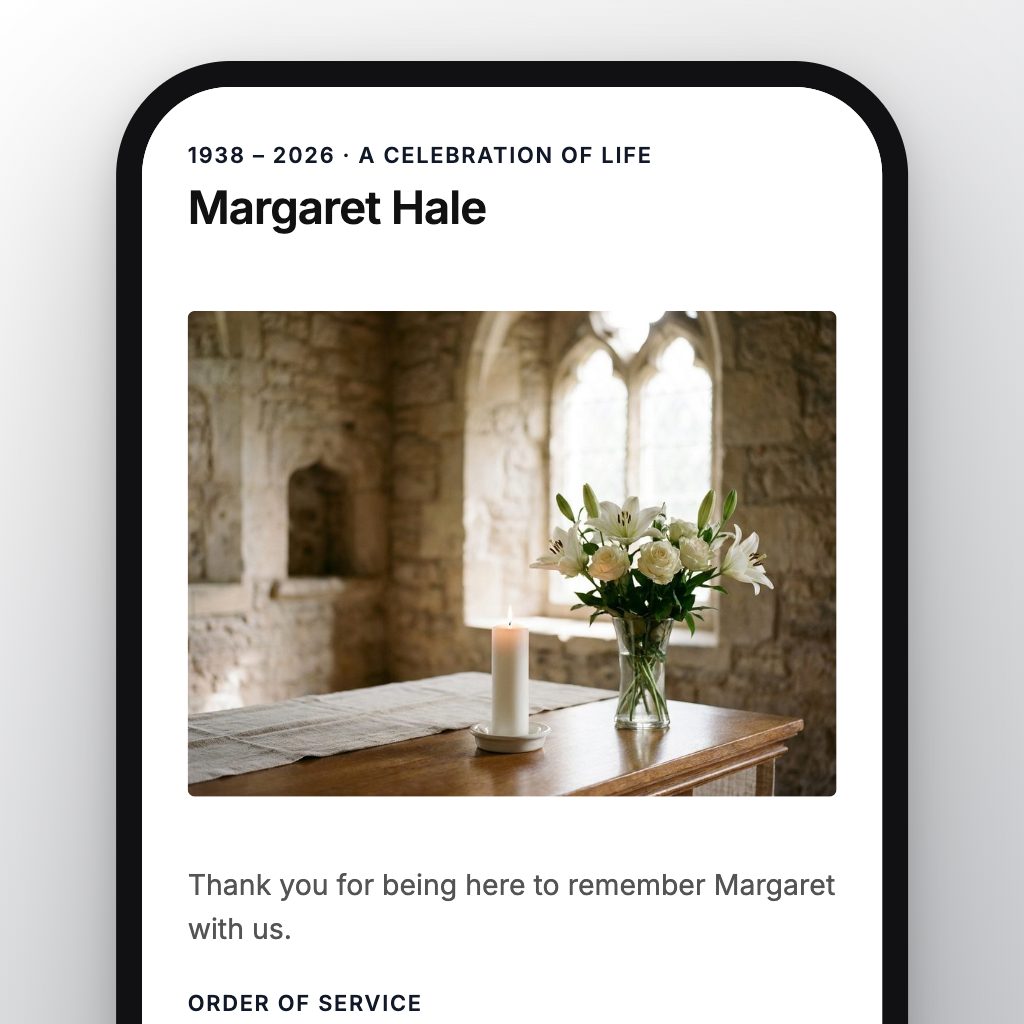
Running order, hymns, readings — a printed programme card with a QR code behind it.
Make an order of service →
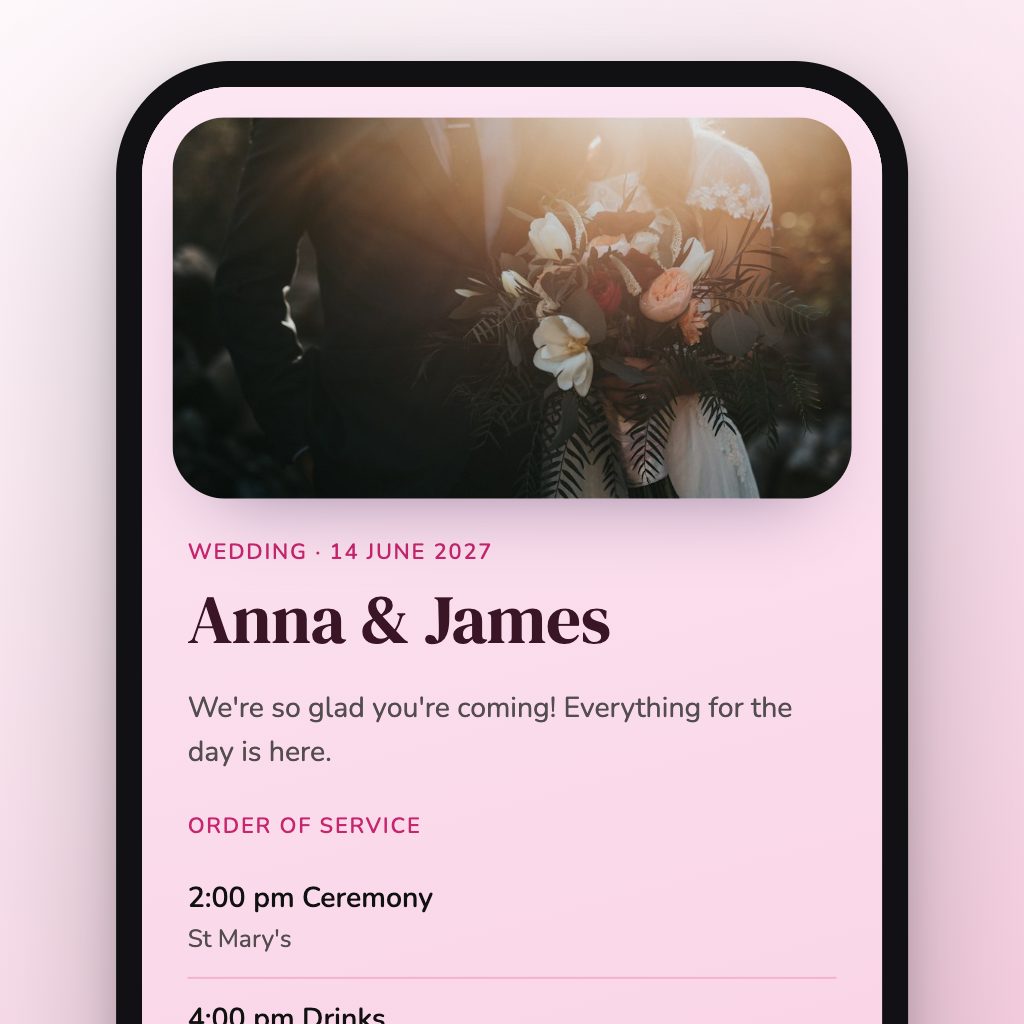
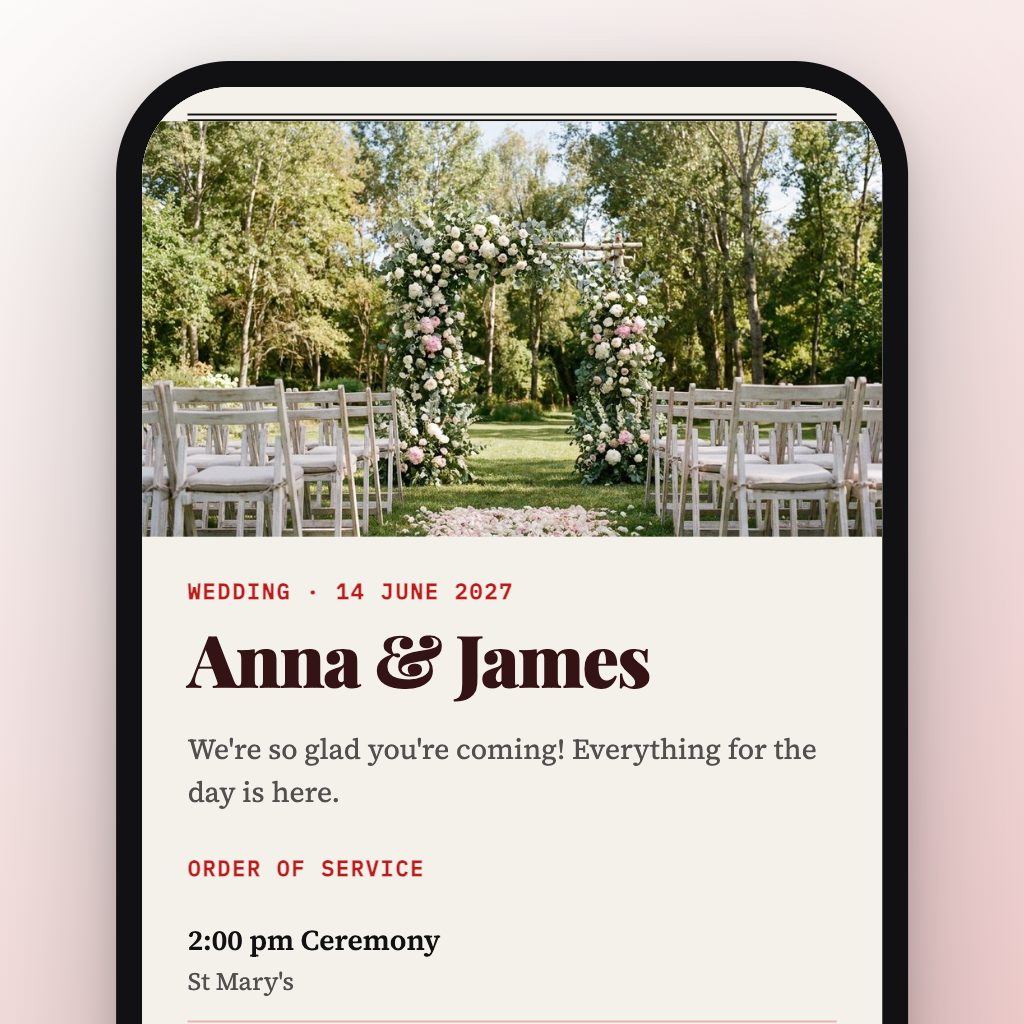
Ceremony order, readings, songs — a printed program card with a QR code behind it.
Make a wedding program →
Running order, hymns, tribute — a printed programme card with a QR code behind it.
Make a funeral order of service →
Ceremony order, readings, tribute — a printed program card with a QR code behind it.
Make a funeral program →
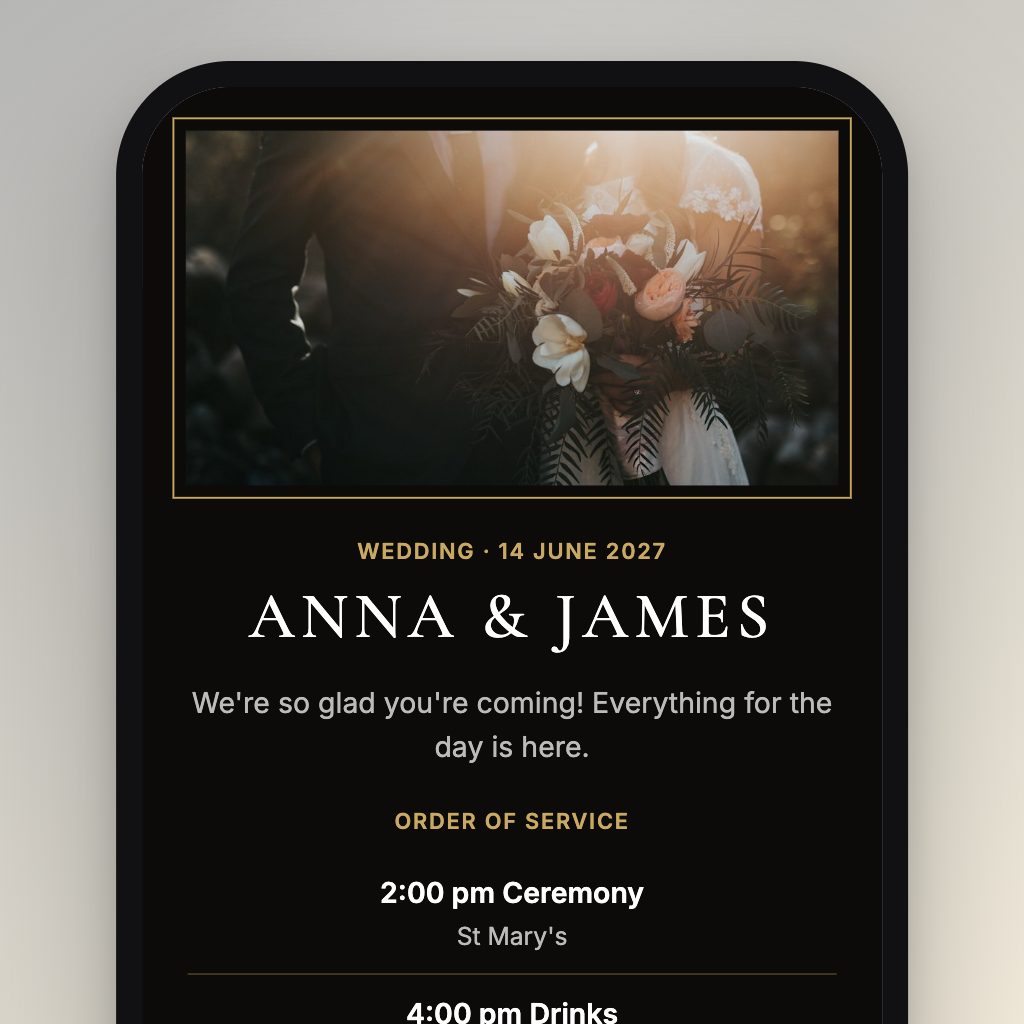
Schedule, directions and hotel on one mini website — in your design, with a QR code.
Make a wedding website →
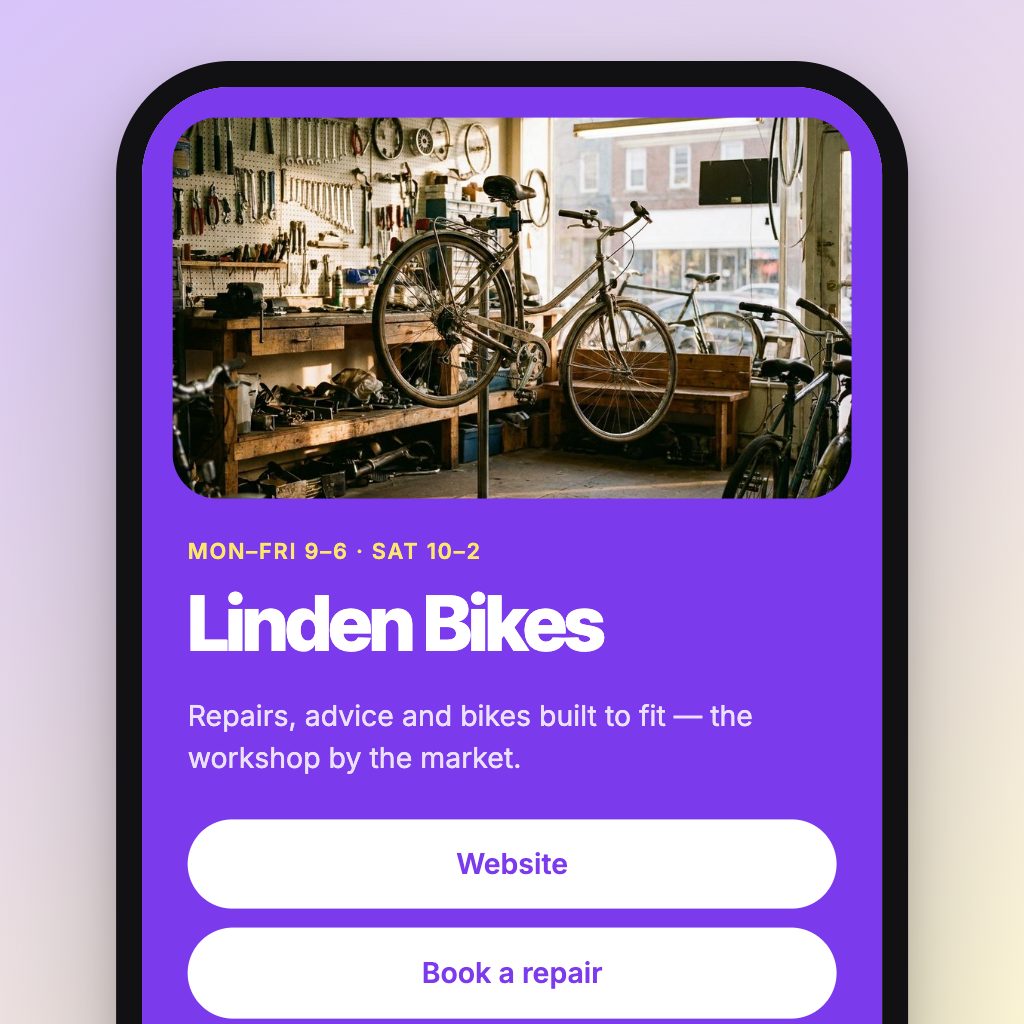
All your links behind one QR code — free, no account, with a poster to print.
Collect your links →
Check-in steps, Wi-Fi and house rules behind a QR code on a poster.
Make a welcome book →
Paste the video link into the Links field — the QR code opens a button that plays it.
Make a video QR code →