Shop · Studio · Club

The Linktree alternative with 16 designs.

For a shop, a studio, a practice or a club: one QR code on the door, the counter or the van. Scan it and the mini website opens — a photo, a sentence, your link buttons, a call button. Free, no account. The same short link works in your Instagram bio.
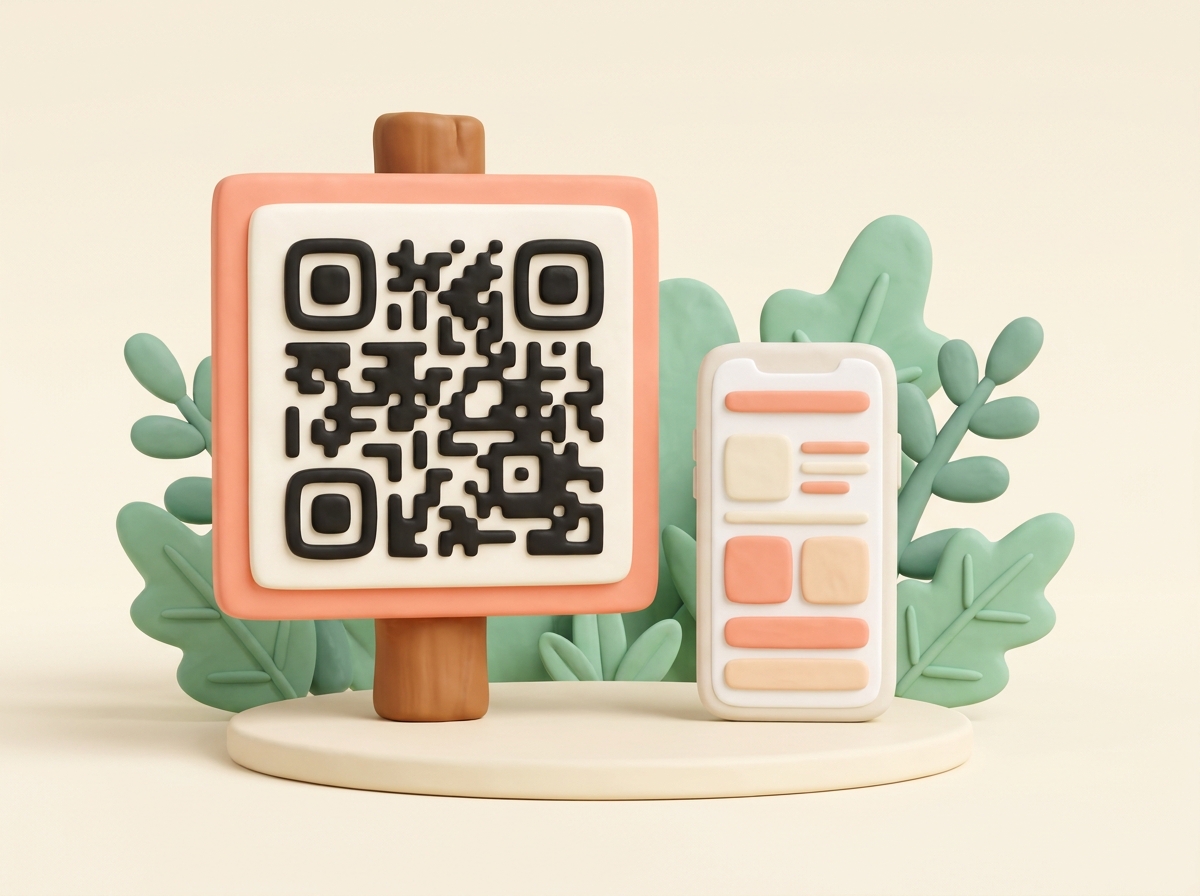
A phone showing a mini website, with a small QR code sign beside it

16 designs

Any two colors, always readable.

A poster to print

A QR code for the door, counter or van.

Free

No time limit, no subscription.

No account

Just your email to confirm, no password.

What we store

No account. See the privacy policy.

Templates, not AI

You fill in the fields, nothing is AI-generated.

Designs

Pick a design

Four of 16 designs — as loud or as quiet as your shop. You set your two colors in the next step.

See all 16 designs →

Why use it instead of Linktree?

No account, no password.

Fill in the fields, confirm with your email, done. Edit later through the link in that email.

Designs you'd otherwise pay for.

16 designs with your own two colors — and the text color adjusts itself, so nothing ends up unreadable.

A QR code poster included.

Print it once for the door or the counter. Scanning opens the mini website with your links.

Also for your Instagram bio.

Put the same short link in your profile. Change the links any time; the address stays the same.

A Linktree QR code you can print

Your links live on one mini website. Its QR code comes on a poster to print, ready for the door, the counter or the van. Whoever scans sees your link buttons and a call button on the phone.

You change the links any time through the edit link in the email. The QR code stays the same, so the printed poster keeps working.

Is it free?

Yes. No time limit, no subscription, no account.

Can I pick my own colors?

Yes — any background and any accent color, in all 16 designs. The text color follows the background, so it always stays readable.

Can I print the QR code?

Yes. Once you click the confirmation link, you get a poster with the QR code to print — for the door, the counter, the van.

I already use Linktree. Do I have to switch?

No. Copy your links into the link buttons, and the mini website gets its own QR code. Or keep Linktree in your bio and add its address as one of the buttons.

Your mini website in 4 steps

1

Pick a design

One of 16, in your two colors.

2

Fill in the fields

Title, photo, a sentence, your links, phone.

3

Confirm by email

One click — then you have the address, QR code and poster.

4

Print the poster

Print once. Edits keep the same QR code.

Other templates

A QR code for something else?

Museum or garden QR code

A plaque at a landmark — with history, photos, and a map behind it.

Make a QR plaque →

A QR code with information

Need a QR code that shows more than a link? Build a mini website behind it.

See the templates →

Wedding order of service

Running order, hymns, readings — a printed programme card with a QR code behind it.

Make an order of service →

Wedding program

Ceremony order, readings, songs — a printed program card with a QR code behind it.

Make a wedding program →

Funeral order of service

Running order, hymns, tribute — a printed programme card with a QR code behind it.

Make a funeral order of service →

Funeral program

Ceremony order, readings, tribute — a printed program card with a QR code behind it.

Make a funeral program →

Wedding website template

Schedule, directions and hotel on one mini website — in your design, with a QR code.

Make a wedding website →

Airbnb welcome book

Check-in steps, Wi-Fi and house rules behind a QR code on a poster.

Make a welcome book →

QR code for a YouTube video

Paste the video link into the Links field — the QR code opens a button that plays it.

Make a video QR code →