Poster · Window · Classroom
Paste the YouTube link (or any video link) into the Links field, and the mini website builds itself: a button that opens the video, plus a QR code and a printable poster. Free, no account, no app.
Link to your YouTube video
Paste the link, get a button that opens it.
Poster with the QR code
Print it for a window, a door, or a classroom wall.
Free
No time limit, no subscription.
No account
Just your email to confirm, no password.
What we store
No account. See the privacy policy.
Templates, not AI
You fill in the fields, nothing is AI-generated.
Example
A fictional example — invented for this page. The YouTube link sits on the mini website as a button.
Designs
Four of 16 designs — calm for a classroom, loud for a gig. You set your two colors in the next step.
A poster with the video and nothing else.
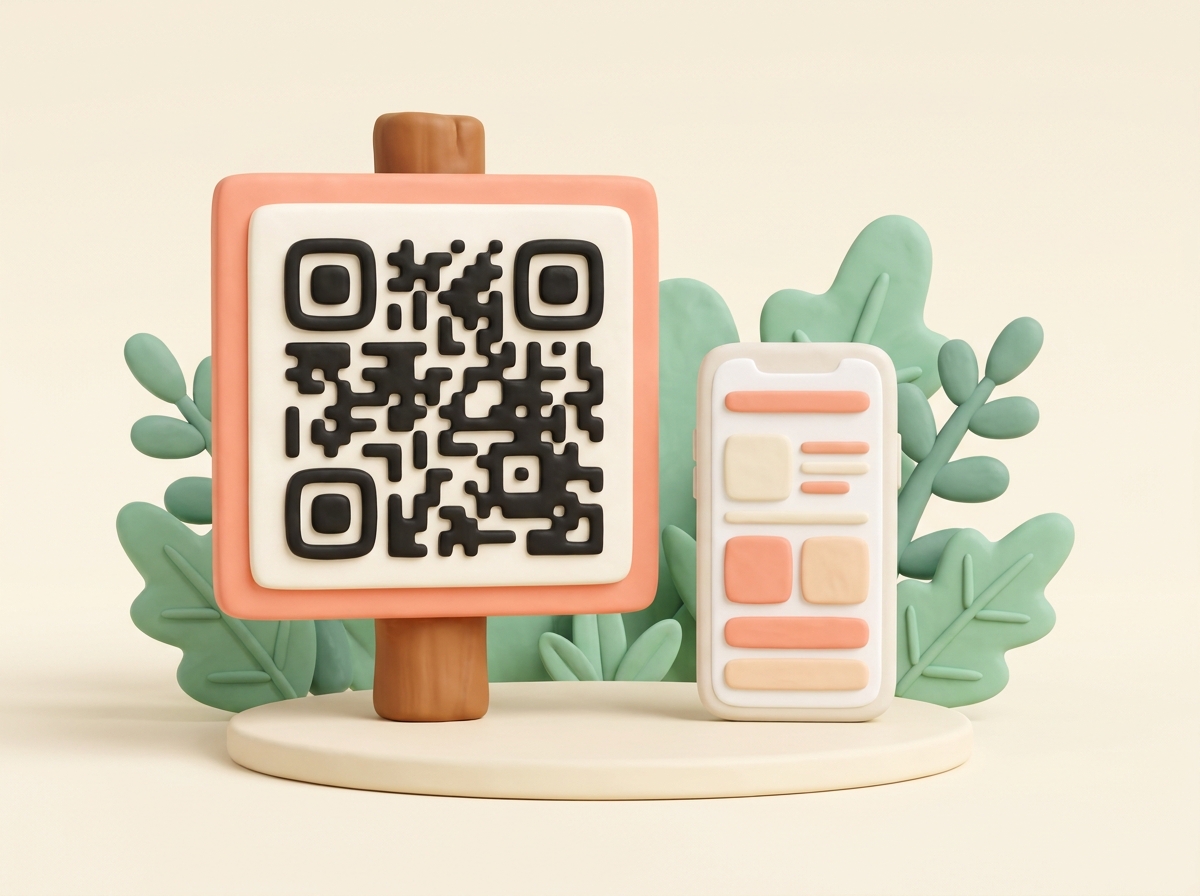
A window, a noticeboard, a classroom wall — the poster just carries the QR code. Scan it, and the mini website opens with a button for your YouTube video.
A program or business card — watch later.
Add the video link to a wedding program, a product flyer, or an event card. The same QR code works at any size — guests scan when they're ready to watch.
One link among several buttons.
The video doesn't have to stand alone. Add a website or a map link as more buttons, and a Call or WhatsApp button under Add contact — all behind the one QR code.
Swap the video without reprinting.
Change the YouTube link any time through the edit link in your confirmation email. The QR code and the poster stay exactly the same.
A QR code is a pattern of black squares that points to a web address. On its own it shows nothing — it has to open something, and that something is the mini website behind it.
Fill in one template — the mini website and the QR code build themselves. Paste your YouTube link into the Links field, and it becomes a button that opens the video when someone scans.
No. The Links field takes a web address, not the video itself. Paste the YouTube link, and it becomes a button on the mini website. The video stays on YouTube; qrpage.co only keeps the link.
Any video link works the same way — Vimeo, a cloud folder, wherever the video already lives online. Paste that link into the Links field instead.
Yes. No time limit, no subscription, and no account beyond the email you confirm with.
Yes. Add a title, a short description, and more links as buttons — a website, a map link. Under Add contact you can offer Call or WhatsApp. Up to four photos too, as a cover on the mini website.
Yes, through the edit link in your confirmation email. Swap the YouTube link, add another one, or change anything else — the QR code and the short address stay the same.
No. There's no account and no password. To publish, you confirm with an email link — click it, and the mini website is live with its address, QR code, and a printable poster.
Paste the link
Your YouTube link goes into the Links field.
Add a title
Plus a sentence, more links, a phone number if you like.
Confirm by email
One click — then you have the address, QR code and poster.
Print the poster
Print once. Swap the video later, same QR code.
Other templates
A plaque at a landmark — with history, photos, and a map behind it.
Make a QR plaque →
Need a QR code that shows more than a link? Build a mini website behind it.
See the templates →
Running order, hymns, readings — a printed programme card with a QR code behind it.
Make an order of service →
Ceremony order, readings, songs — a printed program card with a QR code behind it.
Make a wedding program →
Running order, hymns, tribute — a printed programme card with a QR code behind it.
Make a funeral order of service →
Ceremony order, readings, tribute — a printed program card with a QR code behind it.
Make a funeral program →
Schedule, directions and hotel on one mini website — in your design, with a QR code.
Make a wedding website →
All your links behind one QR code — free, no account, with a poster to print.
Collect your links →
Check-in steps, Wi-Fi and house rules behind a QR code on a poster.
Make a welcome book →