Wedding · Schedule · Directions

A wedding website in 10 minutes.

The day's schedule, directions, the hotel block and your phone number on one mini website. Print the QR code on the invitation, the order of service or the place cards. Guests scan and see it all on their phone. Free, no account.

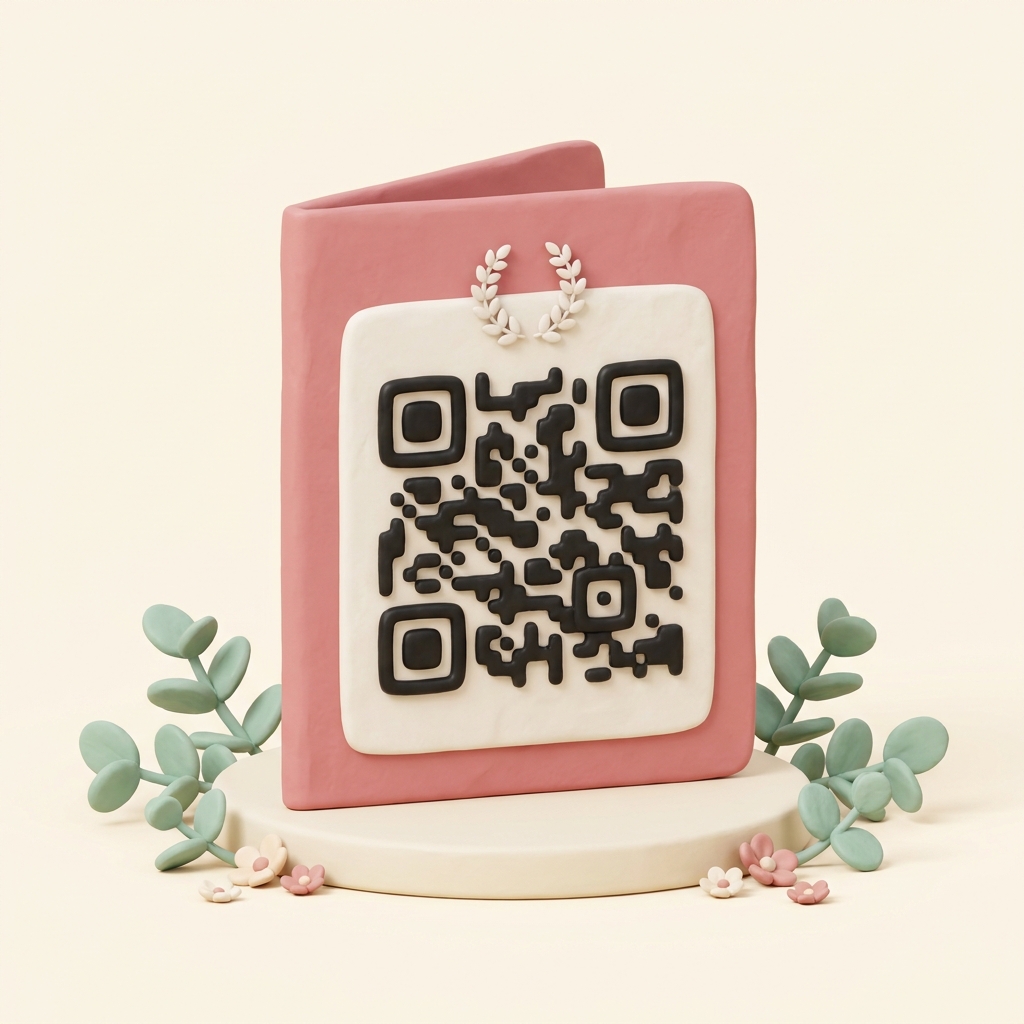
A folded clay wedding order-of-service booklet with a large QR code on its back cover and eucalyptus

16 designs

Soft to formal, in your two colors.

A QR code to print

For invitations, programs and place cards.

Free

No time limit, no subscription.

No account

Just your email to confirm, no password.

What we store

No account. See the privacy policy.

Templates, not AI

You fill in the fields, nothing is AI-generated.

Designs

Pick a design for your wedding website

Four designs made for weddings. You set your two colors — background and accent — in the next step, and you can change everything after it's live.

See all 16 designs →

What goes on the wedding website

The schedule of the day

Ceremony, drinks, dinner, dancing — with times and places. Guests check their phone instead of asking.

Directions with a map

Type the address once. The mini website shows a map, so nobody calls you for directions on the morning.

Hotel, parking, RSVP

Links as buttons: the hotel block, parking, the RSVP service or registry you already use. You set the links.

One QR code for all of it

Printed on the invitation, in the program, on the place cards. When something changes, the QR code stays the same.

Can guests RSVP or see a registry?

Not on the mini website itself — there's no RSVP or registry feature. If you already use a service for that, add its link as a button and it's one tap away.

Can guests upload photos?

No. Guests only see what you enter. After the day you can add a button to your photo gallery — the QR code stays the same.

How much does it cost?

Nothing. No time limit, no subscription, no account.

When do we get the QR code?

Press publish and you get an email with a confirmation link. Clicking it puts the mini website live. Then you have the address, the QR code and a poster to print.
Your wedding website in 4 steps

1

Pick a design

One of 16, in your two colors.

2

Fill in the fields

Names, schedule, venue, links, phone.

3

Confirm by email

One click — the mini website is live.

4

Print the QR code

On invitations, programs or place cards.

Other templates

A QR code for something else?

Museum or garden QR code

A plaque at a landmark — with history, photos, and a map behind it.

Make a QR plaque →

A QR code with information

Need a QR code that shows more than a link? Build a mini website behind it.

See the templates →

Wedding order of service

Running order, hymns, readings — a printed programme card with a QR code behind it.

Make an order of service →

Wedding program

Ceremony order, readings, songs — a printed program card with a QR code behind it.

Make a wedding program →

Funeral order of service

Running order, hymns, tribute — a printed programme card with a QR code behind it.

Make a funeral order of service →

Funeral program

Ceremony order, readings, tribute — a printed program card with a QR code behind it.

Make a funeral program →

Linktree alternative

All your links behind one QR code — free, no account, with a poster to print.

Collect your links →

Airbnb welcome book

Check-in steps, Wi-Fi and house rules behind a QR code on a poster.

Make a welcome book →

QR code for a YouTube video

Paste the video link into the Links field — the QR code opens a button that plays it.

Make a video QR code →